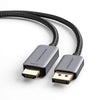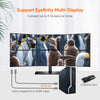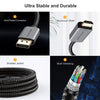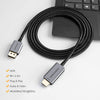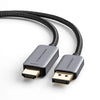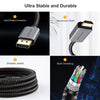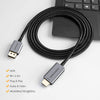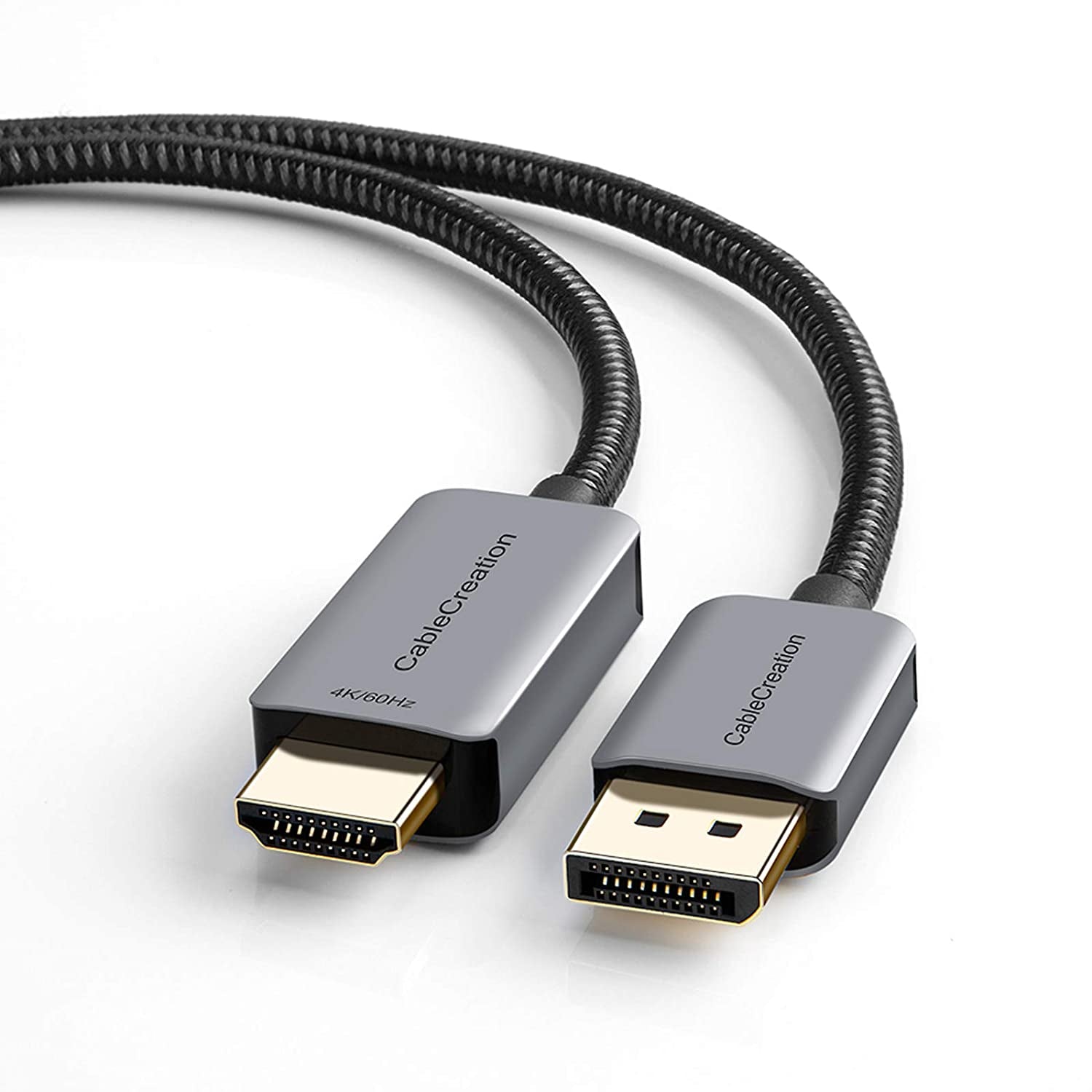
CableCreation Active DP to HDMI Cable
Troubleshootings:
1. When I connect host to external monitor, no image display.
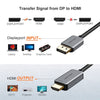
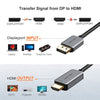
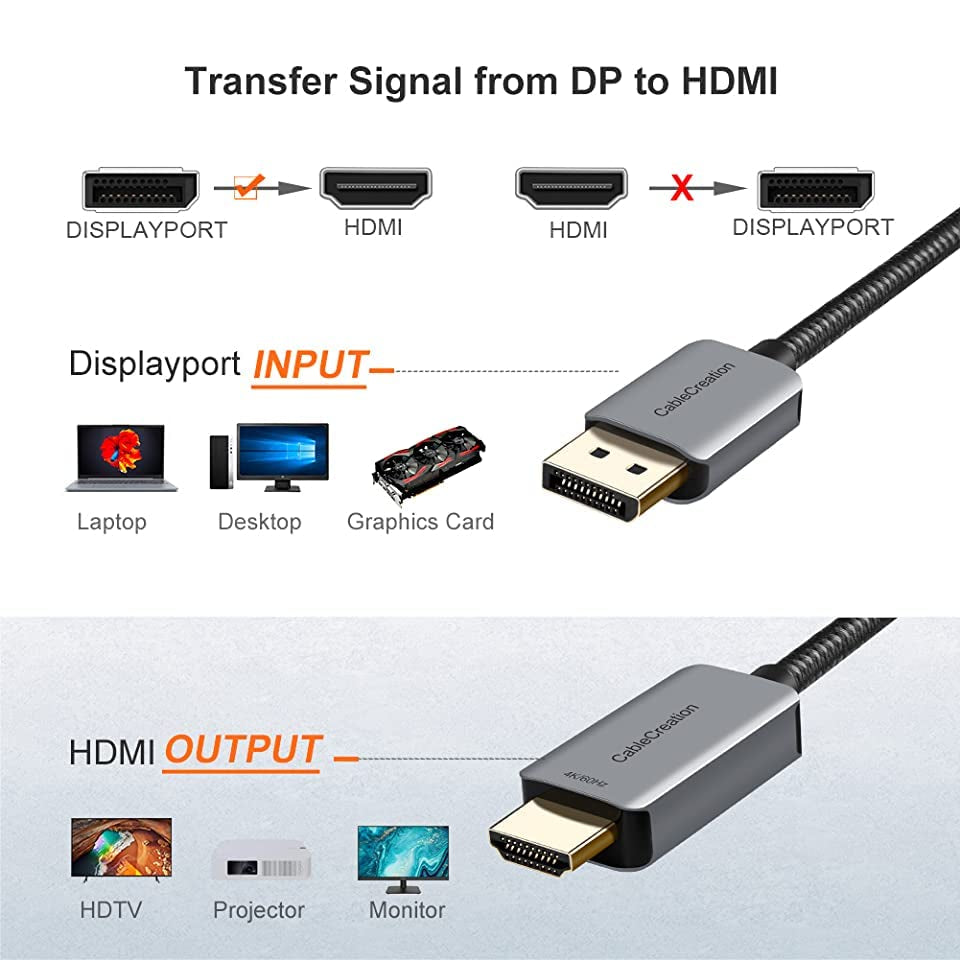
Please make sure that the DP plug connects to host PC / laptop, HDMI plug connects to monitor. It's an unidirectional DisplayPort to HDMI cable, if you reverse the connection, it will NOT display anything.

2. I can't get 4K@60Hz resolution.
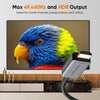
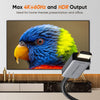
Firstly, please make sure that both of your host and monitor support 4K@60Hz;
Secondly, most HDMI monitors or TVs have different input sources, please choose the correct HDMI port that supports 4K@60Hz output;
Lastly, update the BIOS, graphics, and restart your laptop to try again. Also keep the connection stable, secure, and tighten.
Attention:
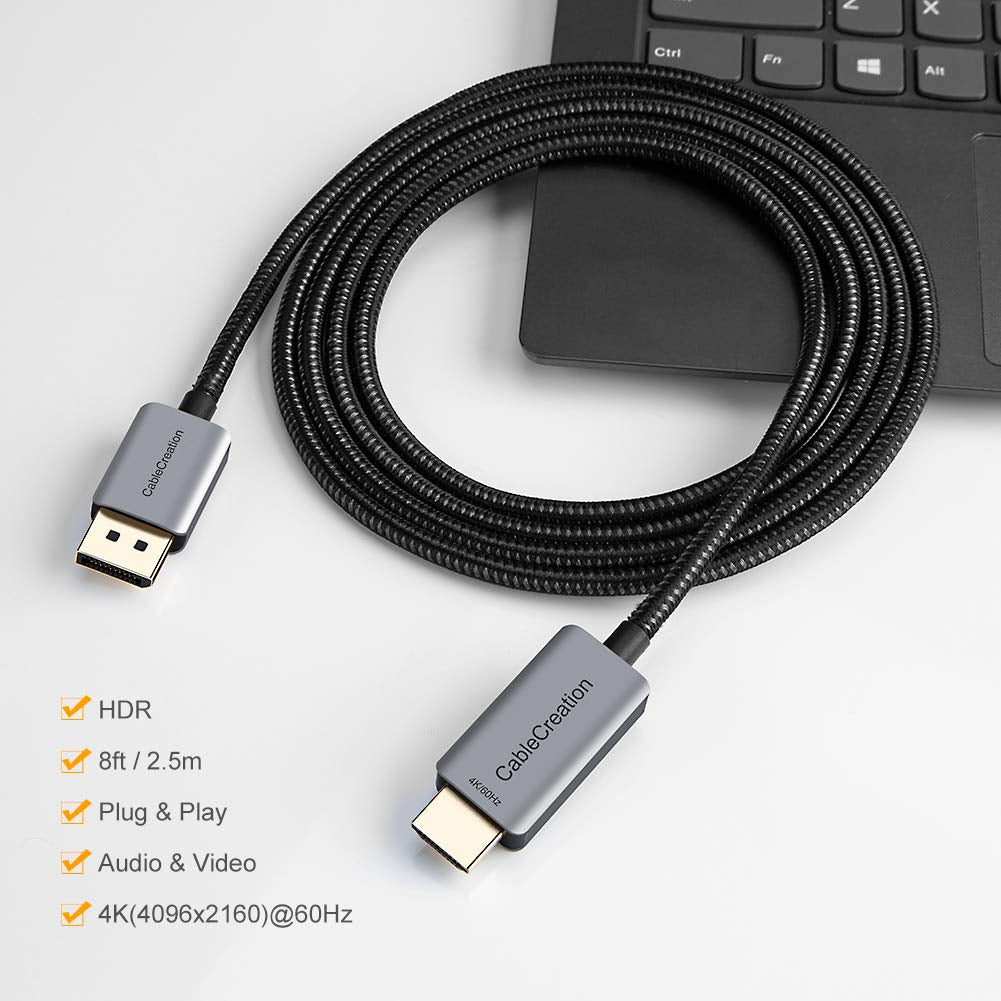
- Not bi-directional: Only converts signal from DisplayPort to HDMI!
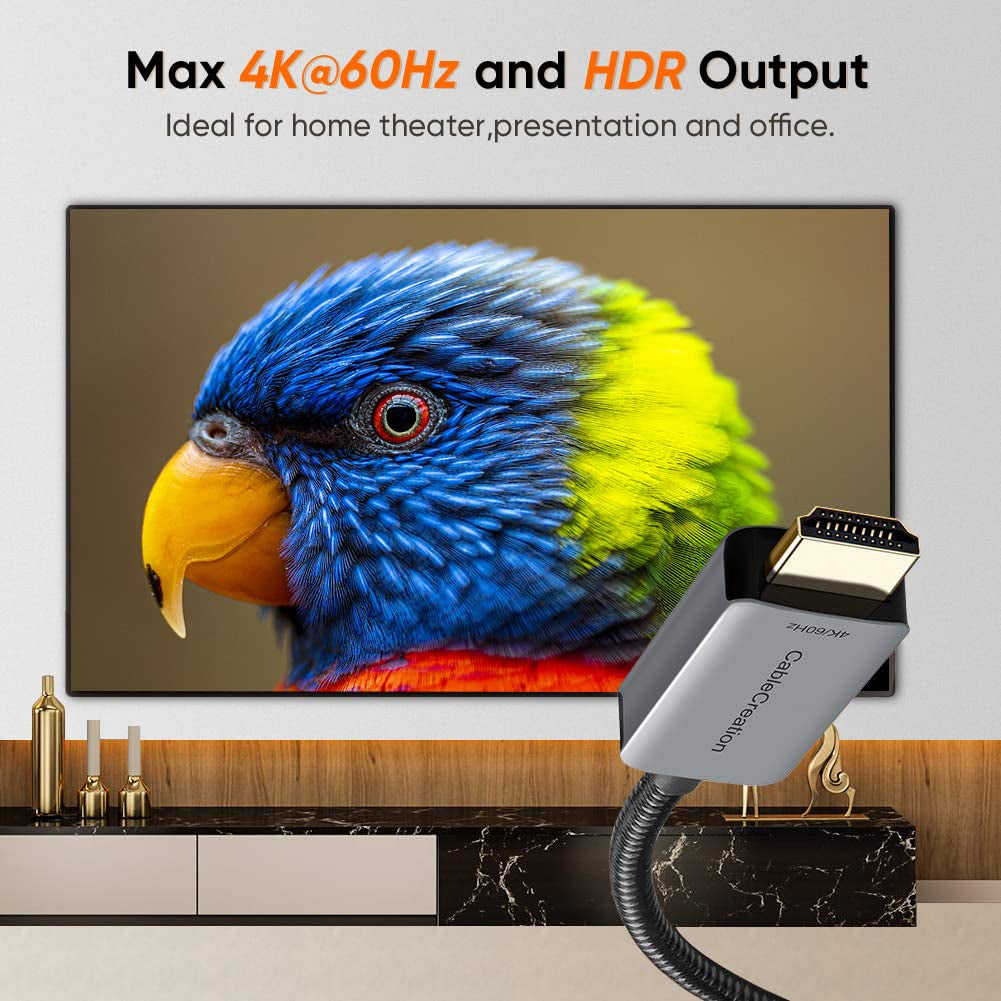
- HDR: For output HDR quality content, both of your input (DP) and output (HDMI) devices are required to support HDR.
- 4K@60Hz: Supports resolution up to 4k@60Hz,but we recommend you to make sure your monitor/tv can supply corresponding output. That means if your computer supports 4K@60Hz, while your monitor/TV only supports 1080p, you can only output 1080p rather than 4K.